


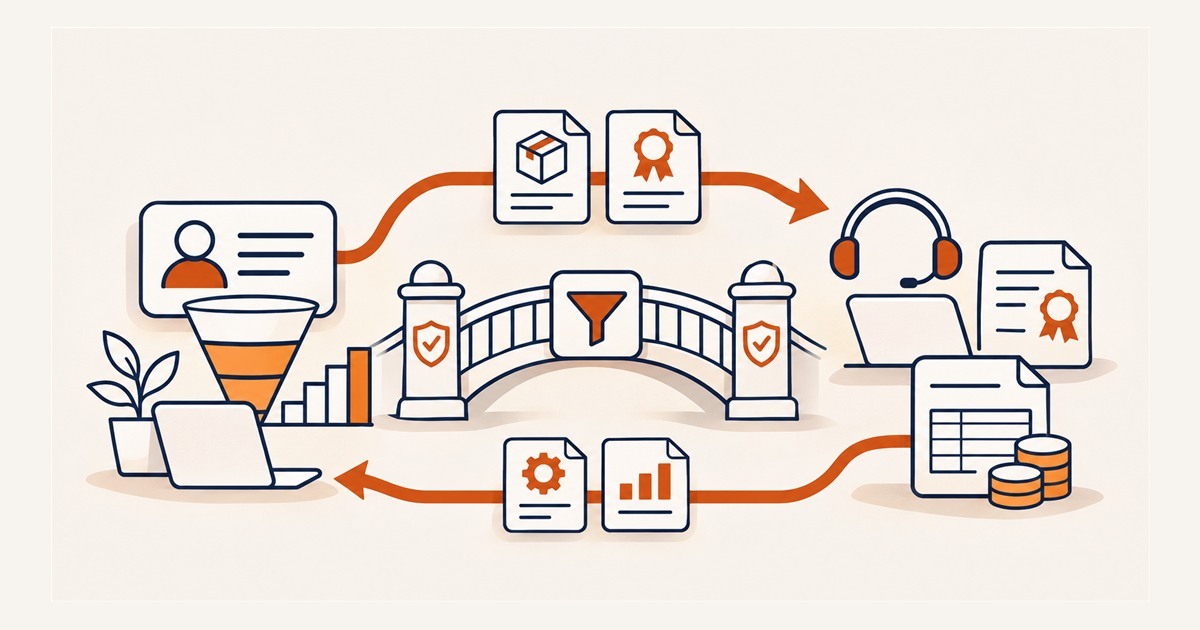
Integrating HubSpot and Autotask can connect an MSP's sales, account management, service delivery and billing processes. But a successful integration depends on much more than synchronising customer records.
The important decisions are what information should move, in which direction, which system owns it, and what business value it creates.
I've spent years working with HubSpot, Autotask and the tools that connect them. Here are the considerations I'd work through before deciding how to integrate them.
What should HubSpot and Autotask each be responsible for?
HubSpot should generally manage the commercial relationship: marketing, sales, pipeline, account management and revenue reporting.
Autotask should remain responsible for technical operations: service delivery, tickets, projects, contracts, technician time and operational billing.
The opportunity is to connect these two areas, often described as Revenue Operations (RevOps) and Technical Operations (TechOps), without forcing either team to work in the wrong system.
Sales needs to understand what customers might buy. Technical teams need to know what's been promised. Account managers need visibility into existing services and customer experience.
I've explored those ownership decisions separately in Where should HubSpot end and Autotask begin?.
Should companies and contacts synchronise both ways?
Where sales and service teams each maintain useful customer information, selected records should flow both ways. Not every record or field needs two-way synchronisation.
HubSpot should pass the right customer and contact information into Autotask when an opportunity reaches an appropriate point. You probably don't want every unqualified marketing lead creating an Autotask account.
The reverse direction is equally important.
Bringing existing Autotask customers and relevant contact changes back into HubSpot allows it to support account management, ongoing marketing, cross-selling and upselling, rather than only generating new business. Keep communication preferences and marketing eligibility separate from the act of synchronising a contact.
The complication is matching records accurately.
Company names change, email domains overlap, subsidiaries exist and contacts can work across organisations. Deduplication and record matching are often surprisingly complex, especially when integrating two established systems with years of data.
You also need clear field ownership. Two-way visibility doesn't mean every field should be independently editable in both systems.
How should HubSpot Deals and Autotask Opportunities be synchronised?
Deals and opportunities should share consistent commercial information, including customer, ownership, stage, expected close date, probability and value.
Opportunities may originate in either system.
A salesperson might create a HubSpot deal, while a technician identifies additional hardware or services while working in Autotask. Both should reach the commercial team without generating duplicates.
But synchronising an opportunity value raises a fundamental question.
What does a £42,000 deal actually mean?
A deal worth £42,000 could represent hardware, annual recurring revenue, a multi-year contract or a mixture.
Consider this constructed example, using illustrative figures rather than a client transaction:
| Component | Value |
|---|---|
| Hardware | £18,000 one-off |
| Professional services | £6,000 one-off |
| Managed support | £1,000/month |
| SaaS subscriptions | £500/month |
| Total first-year revenue | £42,000 |
This represents £24,000 of one-off revenue and £1,500 in new monthly recurring revenue (MRR), equivalent to £18,000 annually.
Treating the entire £42,000 as recurring revenue would distort your forecast. Recording only the one-off amount would overlook the recurring opportunity.
You need consistent definitions for one-off revenue, MRR, annual recurring revenue (ARR) and contract duration.
Otherwise, two systems can synchronise the same number perfectly while both report something misleading.
Why synchronise product catalogues and quote line items?
Synchronising products and quote line items gives HubSpot visibility into what is being sold, rather than just the total deal value.
MSP opportunities regularly combine hardware, professional services, SaaS subscriptions and managed support. Those categories have different margins, delivery requirements and commercial significance.
With consistent product identities and categories, HubSpot can support much more useful reporting:
- Professional-services revenue forecast to close this month.
- New managed-support MRR expected next quarter.
- SaaS revenue by product category.
- Hardware sales associated with new managed-service contracts.
This becomes particularly valuable for revenue forecasting, commission planning and understanding the mix of business being won.
The design question is which system owns the product catalogue and how quoted prices, quantities, billing frequencies and terms are represented.
A product's catalogue price isn't necessarily the price agreed on a particular transaction. That distinction needs preserving.
Should Autotask contracts be synchronised into HubSpot?
Selected Autotask contract information can make HubSpot considerably more useful for managing existing customers and identifying expansion opportunities.
Imagine an account manager opening a company record and seeing its current services, contracted recurring revenue, upcoming renewals and opportunities for additional services.
That creates a much clearer picture of the customer relationship.
Autotask can remain responsible for operational contracts, service quantities and billing rules, while HubSpot provides the commercial view.
HubSpot's Contracts object introduces additional possibilities. Direct contract creation is currently in beta, so check its suitability and availability for the account. Company-level summaries may be enough where the team only needs recurring revenue and renewal dates.
You may not need every contract line synchronised. The right information depends on what account managers need to analyse and act upon.
Is it worth synchronising Autotask tickets into HubSpot?
For most MSP account-management requirements, selected service information is more useful than a complete copy of every Autotask ticket.
Tickets change constantly. Synchronising every note, status change and update can create substantial processing overhead without providing much commercial value.
Instead, consider bringing useful indicators onto the HubSpot company record:
- Ticket volumes over the last 7, 30 or 90 days.
- Open critical incidents and recurring problems.
- Service-level breaches or ageing tickets.
- Customer satisfaction trends.
- Delayed onboarding or project milestones.
These give account managers reasons to investigate or contact a customer without flooding HubSpot with service-desk activity.
Of course, ticket volume alone doesn't establish customer health. A busy onboarding project might generate lots of perfectly legitimate tickets.
Where detailed investigation is needed, a direct link back to Autotask may be sufficient.
There are exceptions where HubSpot genuinely needs individual tickets, such as a defined customer-success or onboarding process. Those requirements should be assessed separately.
What are the options for integrating HubSpot and Autotask?
MSPs can use quoting and proposal platforms, dedicated middleware, HubSpot automation, custom integrations or a combination of these approaches. The choice depends on which records need synchronising, how frequently and who will maintain the integration.
Quoting and proposal platforms
A platform such as Zomentum can bridge the commercial process between HubSpot and Autotask.
Having spent almost five years working on Zomentum and its integrations, I know how useful that connection can be.
One distinction I'd pay particular attention to is ongoing synchronisation. Some integrations fetch company or contact information only when creating a quote. That's very different from continuing to synchronise relevant changes in both directions.
Even integrations described as real-time may use scheduled checks for certain records. Always check what actually synchronises, when and in which direction.
I cover this approach further through my Zomentum consulting.
Dedicated integration middleware
Platforms such as Recursyv offer managed integrations, potentially avoiding the need to build and maintain custom software. Agree the required objects, fields, update directions and support responsibilities rather than assuming every connection includes the same coverage.
They can be a good fit where ongoing bidirectional synchronisation, tailored field mappings and support are important.
HubSpot workflows and webhooks
HubSpot can send information to external systems through workflow actions and respond to incoming webhook events, subject to the appropriate subscriptions.
This creates opportunities for direct integration, including selected updates involving companies, contacts and deals.
However, not every Autotask object supports native webhooks, and some fields may require alternative methods of detecting changes.
Check the account's available workflow actions before choosing this route. HubSpot's incoming webhook trigger requires an existing matching record; receiving an event does not, by itself, create a new customer. Keep that distinction in mind when designing the handover.
Custom-developed integrations
Custom applications, increasingly developed with AI assistance, offer considerable flexibility.
But the hard parts often lie outside the basic API calls: matching existing records, avoiding duplicates, handling conflicting updates, recovering from errors and preventing synchronisation loops.
These are solvable problems, but they need deliberate design and ongoing maintenance.
A hybrid approach may be entirely appropriate. You don't have to use one tool for every integration requirement.
What commonly goes wrong with HubSpot and Autotask integrations?
The most common design risks are unclear data ownership, unreliable record matching, inconsistent commercial definitions and integration failures that nobody notices.
Before implementation, I'd want clear answers to a few practical questions:
- Can opportunities originate in either system without duplication?
- Which system wins when the same information changes in both?
- How are existing customers and contacts matched?
- Who investigates failed synchronisations?
- How do you know the integration still works after a new product, field or pipeline stage is introduced?
A connector showing as active doesn't establish that the underlying data is correct.
Test representative records and commercial scenarios before relying on the integration for customer handovers, reporting or billing.
Where should an MSP start?
Start by identifying what your teams need to know or do that they currently cannot.
If the priority is passing new sales into service delivery, companies, contacts and opportunities may be sufficient.
If you want better forecasting, deal values and product-level revenue become important.
If account management is the priority, existing contracts, recurring revenue and selected service information may deliver greater value.
You don't need to synchronise everything. You need the right information, dependable ownership rules and a process for maintaining them.
That's the thinking behind my MSP systems and revenue operations consulting: connecting sales, quoting, service delivery, contracts and billing so the systems support the way the business actually works.